Comprehensive File Management with File Explorer
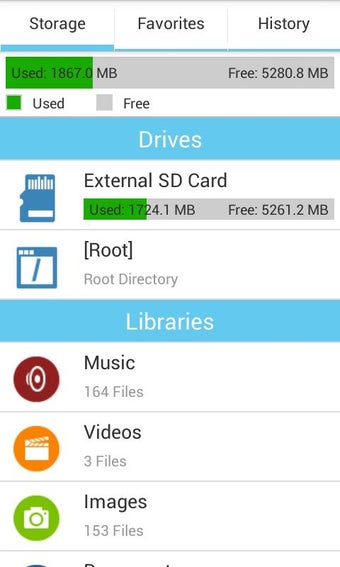
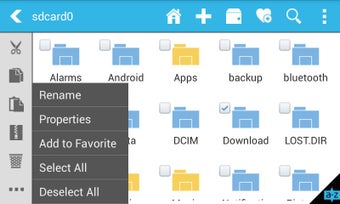
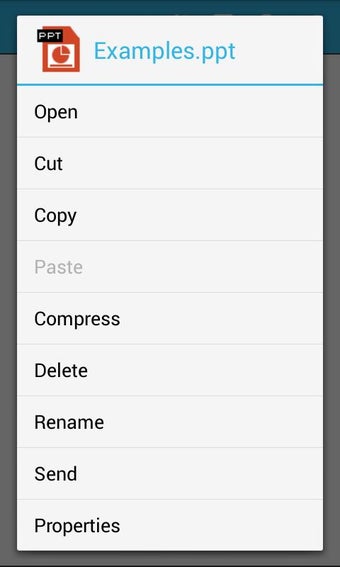
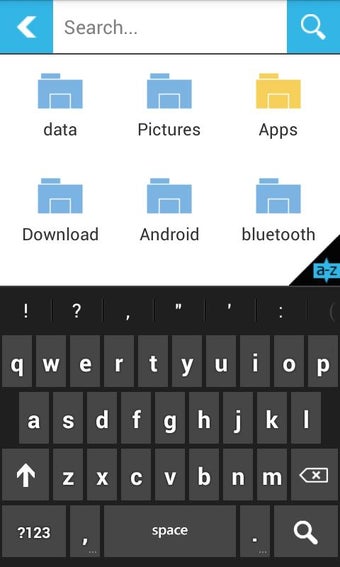
File Explorer is a robust file management application designed for Android users, offering a variety of essential features for efficient file handling. Users can perform operations such as cut, copy, paste, delete, rename, and move files or folders effortlessly. The app boasts a unique 'Jump Scroll' feature, allowing for quick navigation through files, and supports fast search capabilities to find files more efficiently. With a dedicated homescreen that provides direct access to storage and customizable tabs for Favorites and History, users can streamline their file management experience.
Top Recommended Alternative

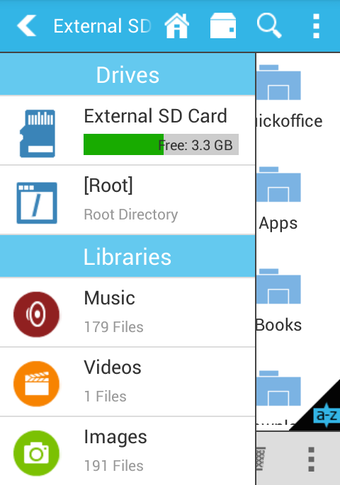
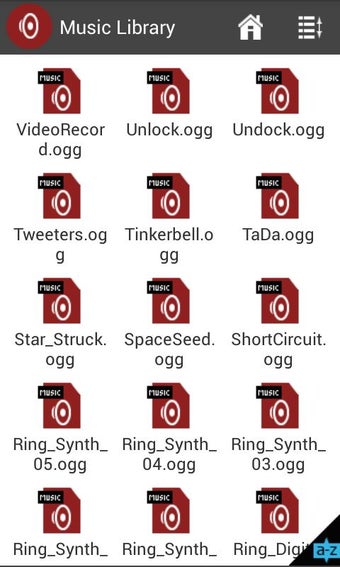
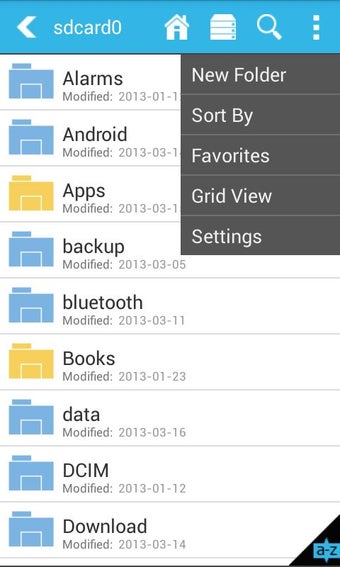
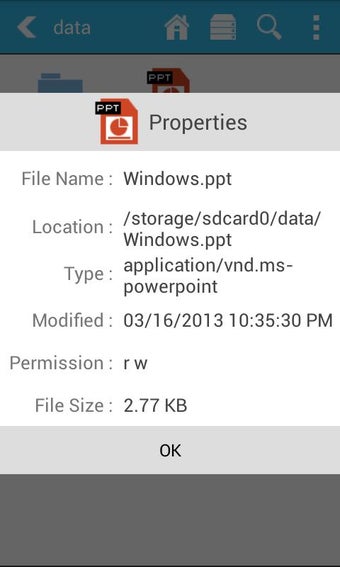
The application organizes content into distinct libraries for Music, Documents, Videos, and Images, facilitating quicker access to files. It supports batch operations through a multiple-selection mode and allows for easy compression and decompression of zip files. The touch-optimized interface enhances usability, while features like inline file details and thumbnail previews for images and videos add to the overall functionality. Although it is a free app supported by ads, an ad-free version is also available, providing additional features.